
LATEST UPDATES : The Central Board of Secondary Education (CBSE) will soon release the Class 10th and 12th Result 2026 for the academic session 2025-26. Students are advised to activate their Digilocker account to download digital marksheets and certificates directly from the official CBSE portal. The Class 10th exams were conducted from 03 March to 11 March 2026 and Class 12th exams from 03 March to 10 April 2026.
CBSE Board Class 10th / 12th Result 2026
Annual Board Examination 2025-26
resultbharat24.com
CBSE Board Class 10th / 12th Digilocker Account Activate 2026 - Result Soon
🔍 Result & Exam Overview
The Central Board of Secondary Education (CBSE) conducted the Class 10th Annual Board Exam from 03 March to 11 March 2026 and the Class 12th Annual Board Exam from 03 March to 10 April 2026. The results are expected to be declared in May 2026. Students can download their digital marksheets and certificates through Digilocker after the result declaration. Candidates need at least 33% marks in each subject to pass.
| 📅 IMPORTANT DATES | 💰 APPLICATION FEE |
|
|
| Exam Name | Conducted By |
| CBSE Board Class 10th / 12th Annual Board Exam 2025-26 | Central Board of Secondary Education (CBSE) |
| Criteria | Requirements |
| Minimum Attendance | At least 75% attendance required. Relaxation may be granted for medical emergencies or national/international events with valid documents. |
| Passing Marks | Minimum 33% marks required in each subject. For subjects with practicals, 33% separately in theory and practical components. |
| Internal Assessments | Students must obtain a grade higher than 'E' in all internal assessments. |
| Compartment Exams | Students failing in one or two subjects are eligible for compartment exams scheduled in May or June 2026. |
| Subject Selection | Subject choices must be finalized during List of Candidates (LOC) submission. Changes after LOC are generally not permitted. |
📌 How to Activate Digilocker Account for CBSE Result 2026
- Go to the official CBSE Digilocker website: https://cbseservices.digilocker.gov.in/activatecbse
- Click on the "Activate Digilocker Account" link.
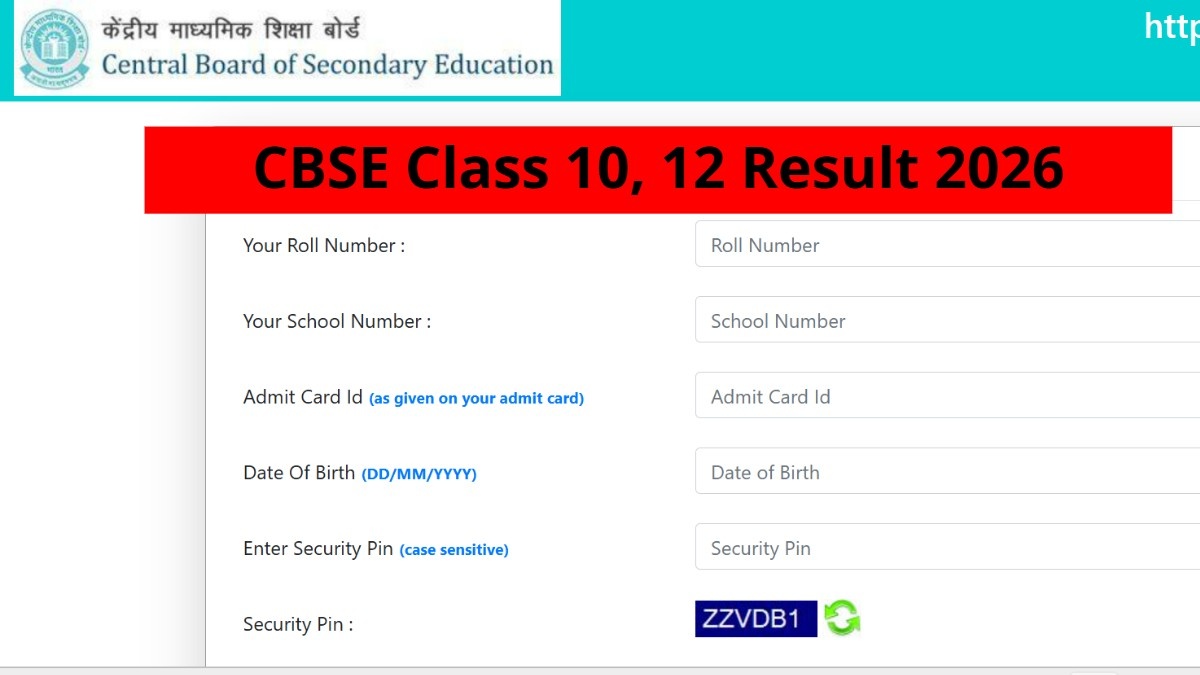
- Enter your Roll Number, School Number, and Admit Card ID.
- Verify your details and create a Digilocker account (if not already registered).
- After result declaration, log in to Digilocker to download your digital marksheet and certificate.
- Save the PDF and take a printout for future reference.
📌 How to Check CBSE Class 10th / 12th Result 2026
- Go to the official CBSE result website.
- Click on "Class 10th Result 2026" or "Class 12th Result 2026".
- Enter your Roll Number, School Number, and Admit Card ID.
- Click on Submit.
- Your result will appear on the screen.
- Download and save the result for future reference.
| CBSE Board 2026 RESOURCES | |
| 🔐 Digilocker Account Activate | Click Here |
| 📋 Register For Class 10th Result | Click Here |
| 📋 Register For Class 12th Result | Click Here |
| 📄 Check Revised Exam Date Sheet | Click Here |
| 📄 Check New Exam Date Sheet | Click Here |
| 📄 Check Exam Date Sheet | Click Here |
| 🌐 CBSE Board Official Website | Visit Site |
 Join WhatsApp Group
 Watch Latest Updates 🎬
Note – Students are advised to activate their Digilocker account before the result declaration to avoid last-minute issues. Keep your Roll Number, School Number, and Admit Card ID ready.
© Copyright 2026 resultbharat24.com | All Rights Reserved